
Find Photos by Tags and Ratings in CUR8R
You remember the beach, the person, or the project. The filename is another matter. CUR8R combines tags, ratings, and search to help you find media by what you remember.
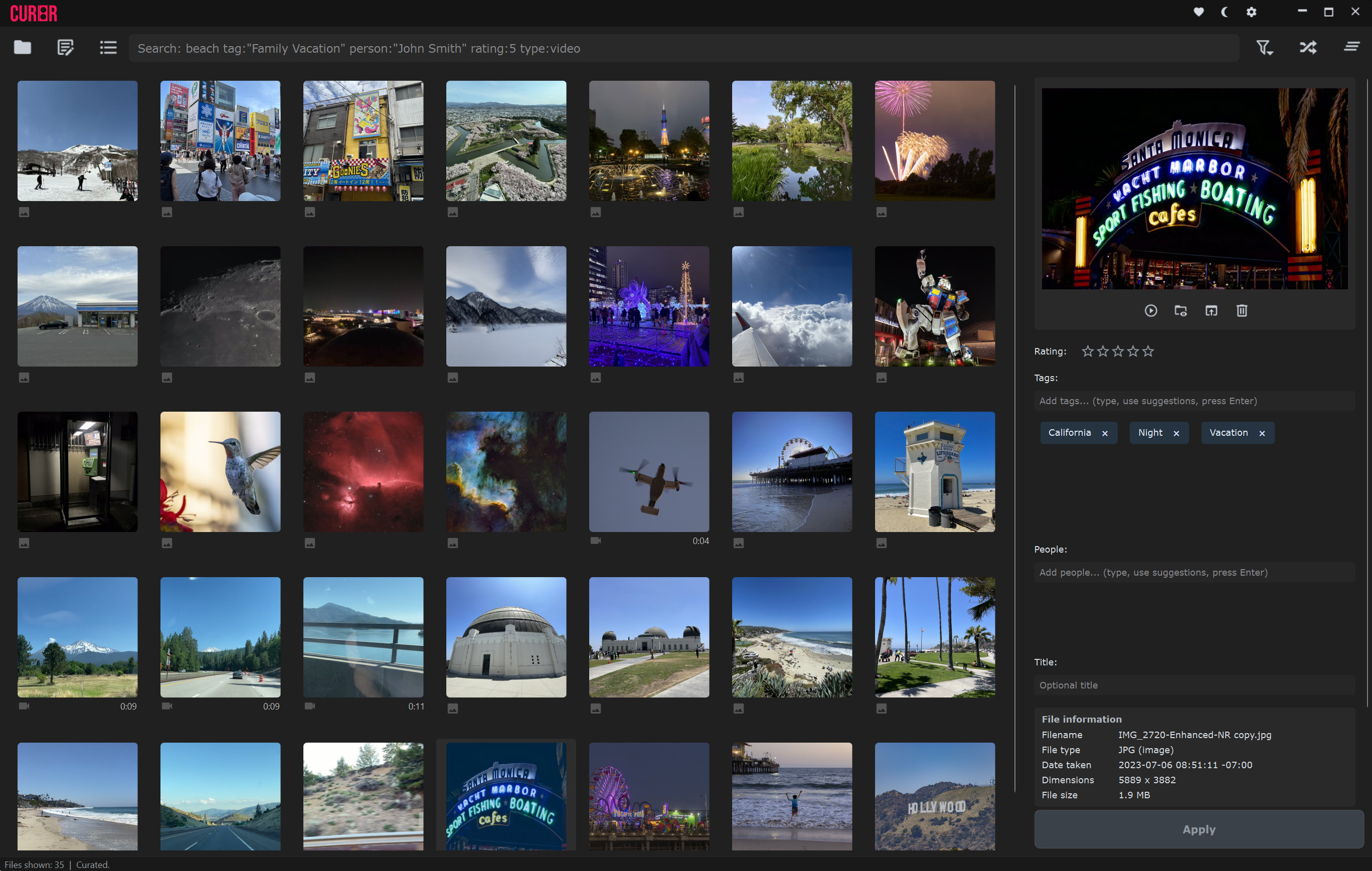
You remember the photograph. It was taken near the beach, probably on that trip to California, and the light was just right. Unfortunately, none of that tells you whether it is called IMG_9381 or IMG_9417.
Folders help until you want to find something that cuts across them. A holiday photograph can also be a family photograph, a reference image, and the best shot of a particular place. Making copies for every category gets messy quickly.
Give yourself more than one way to find a file
CUR8R is a local media manager for Windows. It brings images, videos, and audio into one library, where you can add tags, people, titles, and star ratings.
The useful part is the overlap. A photo can have beach, California, and holiday tags while staying in its existing folder. A video from the same day can share those tags. You can then look for the subject or occasion rather than trying to remember which device made the file.
There is no need to invent an elaborate catalogue before you start. A few consistent tags on the files you care about are already useful. Autocomplete helps you reuse a name instead of slowly collecting several spellings of it.
Make the search a little more specific
CUR8R accepts structured filters alongside ordinary search text. For example:
tag:holidayfinds media with your holiday tag.person:"Jane Smith"searches for a person you have tagged.type:video rating:5combines a media type with a rating.
Filters combine with AND logic, so each one narrows the result. Start with a broad tag, add a media type, and use a rating when you only want your favourites. You can also save and restore filter states between sessions.
Start with the files you keep looking for
If a collection already feels overwhelming, cataloguing the whole thing can become another unfinished project. Try one folder or one recent shoot first. Tag the subjects you are likely to search for and rate a handful of keepers.
That gives you something useful immediately: a small set of files you can find again. CUR8R is free and open source, runs on your computer, and does not need an account or a cloud upload to get started.