
Read Vertical Japanese Text Offline with Scanji
A menu, a manga page, a sign: Japanese doesn't always run left to right. Here's how Scanji helps you work through unfamiliar words without typing the kanji first.
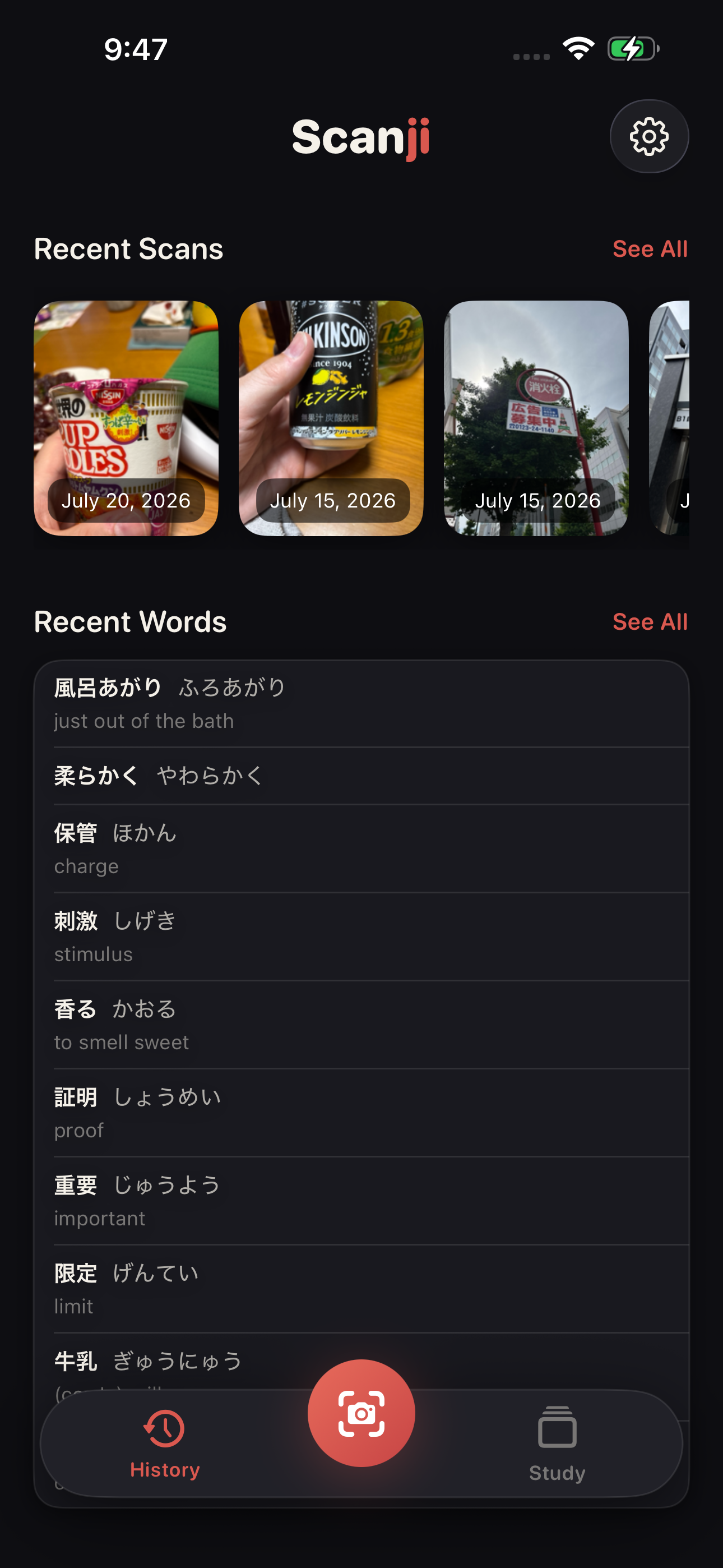
You can be halfway through a page of Japanese when a single unfamiliar word brings everything to a stop. Looking it up sounds easy, until the word contains a kanji you cannot read or type.
Vertical text adds another wrinkle. The words might be in a manga speech bubble, a novel, or a narrow column on some packaging. We wanted Scanji to be useful in those moments too.
Start with the page in front of you
Take a photograph of the text, then tap a word in the image. Scanji gives you its furigana reading and a Japanese-English dictionary definition. Horizontal lines and vertical columns are both supported.
That keeps the lookup close to what you were reading. You can check the word, look back at the surrounding text, and try the line again. There is no need to reconstruct an unfamiliar character in a keyboard before you can ask what it means.
It is worth making the photograph easy to read: get the text in focus, avoid glare, and give small print enough room in the frame. Scanji supports optical zoom on compatible devices. Very stylised lettering and low-contrast print can still be difficult, so a clearer shot is often the first thing to try if recognition looks wrong.
A reading aid you can use offline
Text recognition runs on your device, and the dictionary is bundled with the app. Scanning and word lookup work without an internet connection, including when you are somewhere with poor mobile reception.
The result is a word reading and dictionary meaning. You still get to work out how the sentence fits together. For learners, that leaves room for the useful part: noticing a familiar verb, recognising a repeated word, or finally understanding why that line is phrased that way.
Keep a little of what you read
Scanning, tap-to-read lookup, scan history, word history, and favourites are free. You can return to a photo later rather than losing the word as soon as you close the app. Pro adds the study tools when you want to practise it.
Try it with a short passage you actually want to understand. One paragraph, one sign, or one speech bubble is plenty. The Scanji page has a walkthrough and download links.